Google Reviews Without an Account: More Reviews for Local Businesses
Learn how Google reviews without an account work. Use NFC and QR codes to guide customers quickly to your review page.
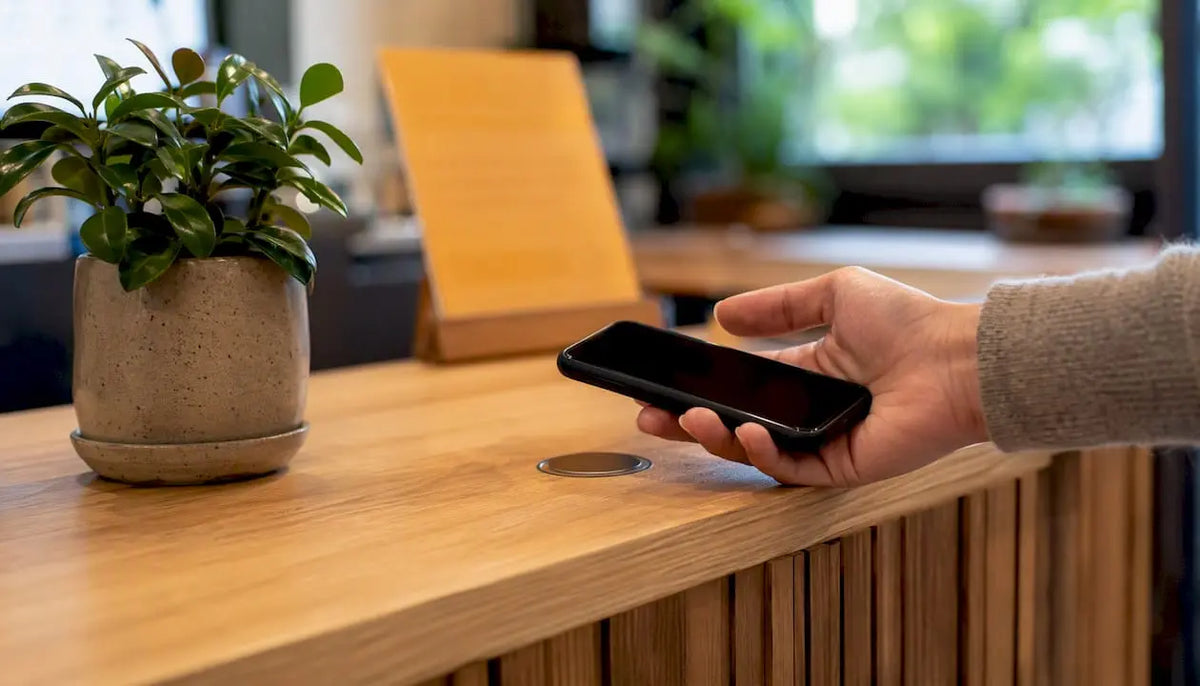
Many customers would be happy to leave a review but get stuck at the Google login. The solution is not a workaround, but a different approach: an NFC-based review flow lowers the barrier so much that even customers who do not actively use a Google account can complete the process in seconds, because the form opens directly in the browser and no app download is needed. Add a QR code as a fallback and ask customers personally, and you will get the best possible results.
Three ways to get more reviews straight away:
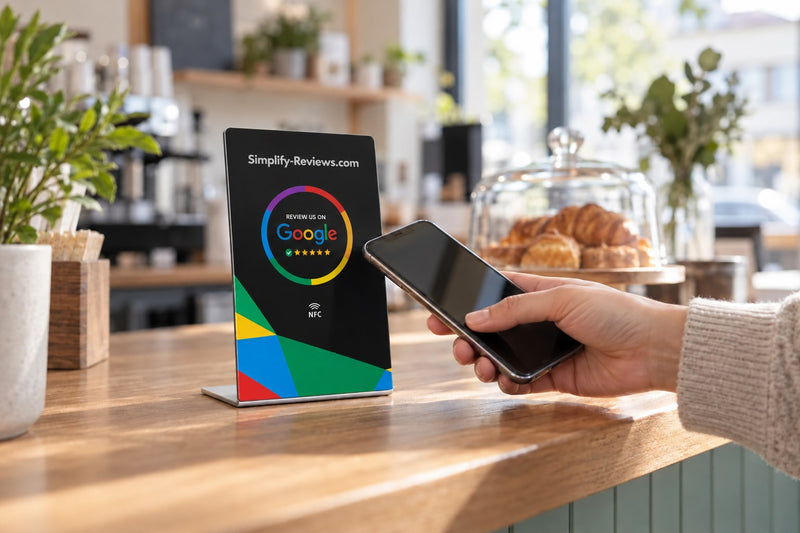
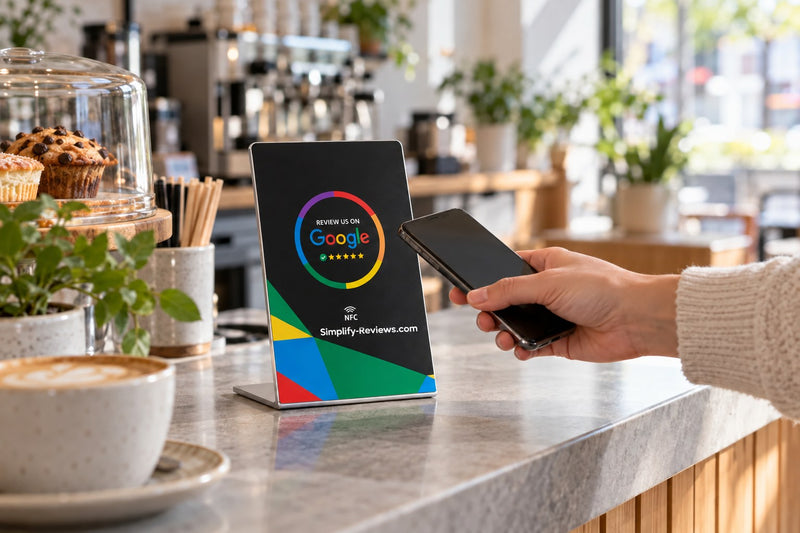
- NFC tap at the point of sale: The customer taps their smartphone against the NFC product, and the Google review form opens directly in the browser.
- QR code as a fallback: For older devices without NFC support or customers who prefer to scan.
- WhatsApp or email follow-up: Send the review link after the visit, ideal for tradespeople and service providers with customer contact details.
Pro tip: Generate your Google review link through your Google Business Profile and test it on three different devices before having the NFC product programmed.
Key takeaways
NFC-based review products with QR fallback and a personal prompt are the fastest way to systematically collect more Google reviews, even if many customers do not actively use a Google account.
| Topic | Details |
|---|---|
| Core method | NFC tap at the POS opens the Google form directly; no app download required. |
| Real-world impact | The shorter the path to the review form, the more likely customers are to actually leave a review. |
| Personal prompt | Most customers only leave a review when they are actively asked. |
| Google guidelines | Material incentives for reviews are prohibited and can lead to profile sanctions. |
| Simplify Reviews | Pre-programmed NFC products with custom branding, money-back guarantee and free shipping. |
Table of contents
- How does an NFC review flow work technically?
- Step by step: setting up an NFC review workflow in your business
- Which rules do you need to follow when collecting reviews?
- Which KPIs should you track, and which tools can help?
- What should you do if something does not work?
- Which NFC review products are recommended?
- NFC offers the best balance between ease of use and data protection
- Simplify Reviews: ready to use, individually programmed
- Sources
- FAQ
How does an NFC review flow work technically?
NFC stands for Near Field Communication, a short-range wireless technology that has been built into almost every modern smartphone for years. No app download, no setup on the customer’s side. The device automatically recognises the tag as soon as it is held close enough.
How it works in practice:
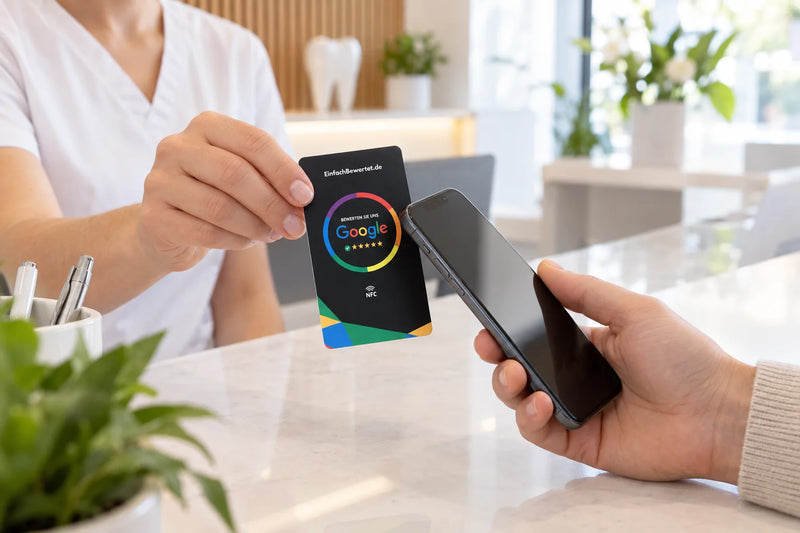
- Tap: The customer holds their smartphone against the NFC card, display stand or sticker.
- Redirect: The tag sends a pre-programmed link directly to the browser.
- Review form: Google opens, and the customer gives a star rating and optionally writes a comment.
- One link for everyone: All customers land directly in the Google form without pre-screening. Separating satisfied and dissatisfied customers beforehand is known as review gating and is not permitted by Google.
Simple NFC tags store a fixed link. Whether the destination can be changed later depends on the provider. With Simplify Reviews, this is possible even afterwards, for example after a move or when you create a new Google profile. Just send us a quick message and we will be happy to help.
Pro tip: Plan for a QR code on the same product from the start. NFC display stands with QR fallback also cover older devices and increase reach without extra effort.
Step by step: setting up an NFC review workflow in your business
- Create a review link: In your Google Business Profile, copy the direct review link under “More options”. Test it on both smartphone and desktop.
- Choose a product: A card for the counter, a display stand for the waiting area, a phone sticker for mobile staff. If you operate multiple locations, assign each location its own clearly labelled products with the correct review link.
- Programming: Professional providers program the product when you order. Provide the link in advance and upload your branding assets (logo, colours).
- Placement: Checkout areas, reception desks, waiting rooms and exit doors are the most effective spots. Visibility beats hiding it away.
- Staff training: A short script is enough: “If you were happy with us, we’d really appreciate a quick review — just tap here.” No pressure, no conditions.
- Testing: Before going live, test the link yourself to make sure it opens correctly.
According to practical guides on collecting reviews, around 83% of customers leave a review when they are actively asked. So the script is not just a nice-to-have.
Pro tip: Combine NFC at the POS with an automated WhatsApp or email follow-up for customers whose contact details you already have. That way, you cover both channels.
Which rules do you need to follow when collecting reviews?
Google is very clear on this: material incentives in exchange for reviews are prohibited. According to Google’s review guidelines, such practices can lead to reviews being removed or sanctions against the Business Profile. This applies to discounts, gifts and any other form of compensation.
What you must avoid:
- Buying reviews or having third parties create them.
- Review gating: asking only satisfied customers for a review while actively filtering out dissatisfied customers.
- Instructing employees to write reviews for their own company.
- Pressuring customers or making reviews a condition for services.
Industry observations show that since 2026, Google has been testing anonymous display options for reviewers in parts of Europe. Review gating and buying reviews remain violations of the guidelines.
From a GDPR perspective, a simple NFC tap is low-risk: no personal data is processed by the NFC product itself. However, if you use email or WhatsApp follow-ups, you need a legal basis — usually consent or legitimate interest under Art. 6(1)(f) GDPR — documented and verifiable.
More on inadmissible reviews and how to handle them: How to handle bad Google reviews properly.
Which KPIs should you track, and which tools can help?
If you do not measure, you are optimising blindly. Four metrics are enough to start with:
- New reviews per week: How many reviews have been added since launch?
- Prompt rate: How often does your team actively point customers to the NFC product?
- Average star rating: Track development over time.
- Response time to reviews: Fast replies signal engagement.
Your Google Business Profile shows the number of reviews and the average rating; profile statistics also show how customers find and use your profile. If you want to go deeper, add a review tool for automated monitoring.
A/B tests are worthwhile for placement (counter vs. exit), staff scripts (with or without explanation) and timing of the request (immediately after the service vs. at payment). You can calculate in advance how many top reviews you need for a specific goal using the 5-Star Booster Calculator from Simplify Reviews.
What should you do if something does not work?
Tag opens the wrong page: Read the stored link with an NFC app and check it. For products from Simplify Reviews, a quick message to us is enough — we will gladly adjust the link for you.
Smartphone does not recognise NFC: Older devices or devices with NFC disabled will not respond. In this case, staff should point directly to the QR code. A display stand with both options solves the problem permanently.
Reviews do not appear on Google:
- Check whether the link points to the correct Google profile.
- Google sometimes needs 24–72 hours before new reviews become visible.
- Reviews that violate guidelines are automatically filtered or deleted.
- More on the most common causes: Why Google reviews are not displayed.
Quick check sequence: Switch device → test the tag with a second device → open the link manually in the browser → check that the Google profile is linked correctly.
Which NFC review products are recommended?
NFC review products are available in different formats and price ranges. Typical cards cost €30–80, while stickers are significantly cheaper.
Simplify Reviews offers several product variants, all pre-programmed for the respective business:
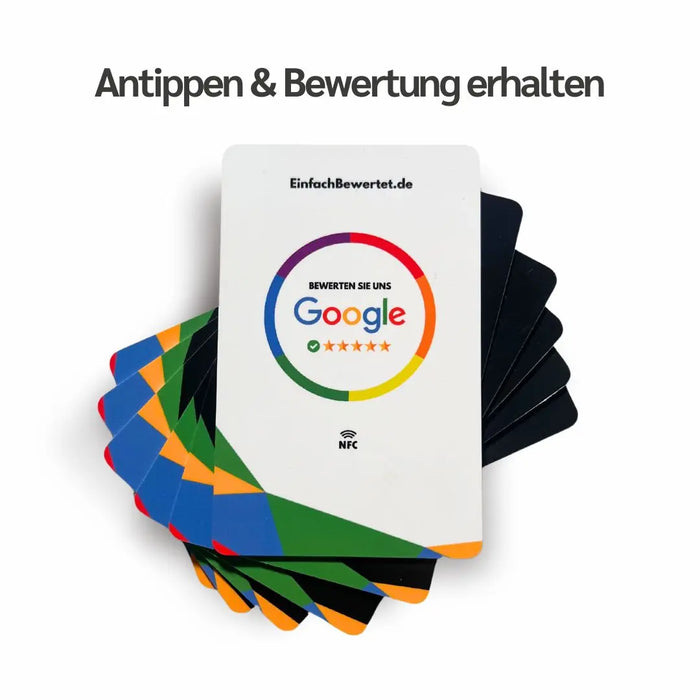
- NFC review card: Credit-card format, ideal for counters and handing to customers.
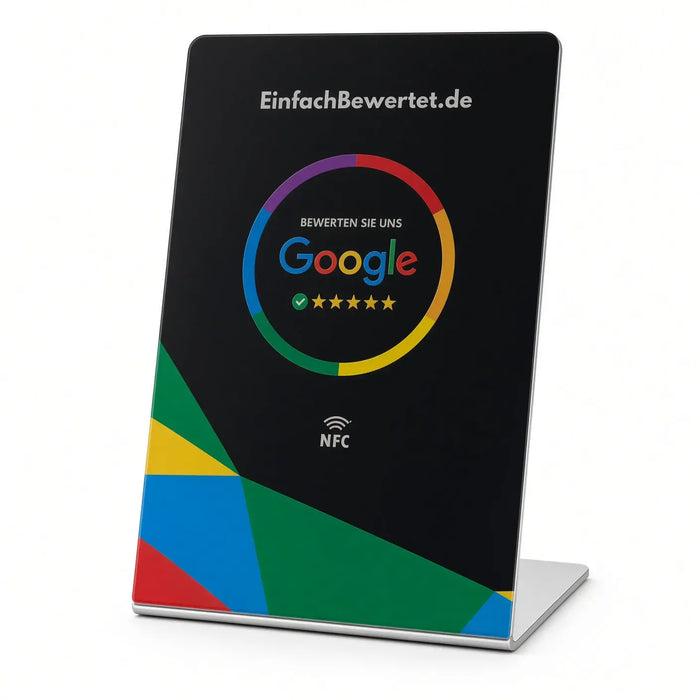
- NFC display stand: Stable for checkout areas and waiting zones, with QR fallback.
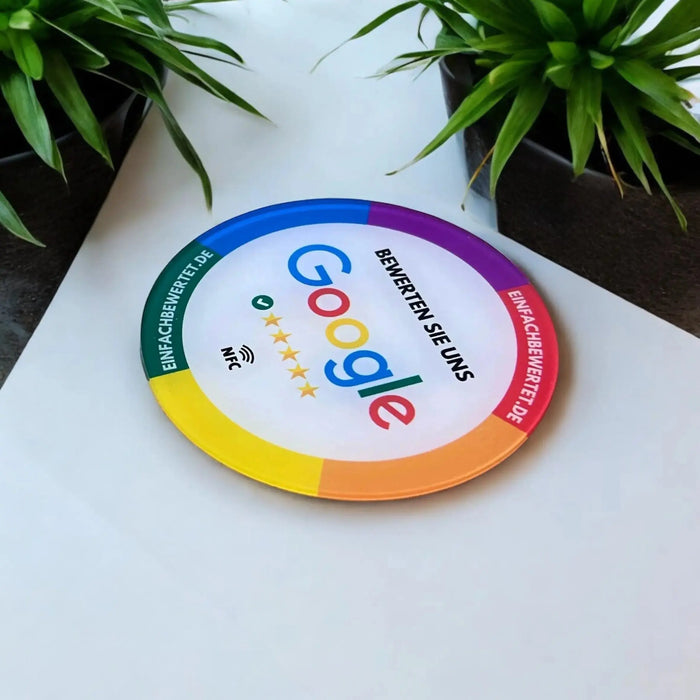
- Review lid: For tables in hospitality or counters with customer contact.
- Phone sticker: For mobile staff, vehicles or toolboxes.
- NFC business cards: A combination of contact details and a direct review link.
Look for a one-off purchase without a subscription and a link that can be changed if needed — with Simplify Reviews, you pay once, and if your Google profile changes, we will gladly adjust the link for you.
Pro tip: For your first order, choose both a card and a display stand. This lets you test both placements in parallel and see within two weeks which format brings in more new reviews.
NFC offers the best balance between ease of use and data protection
If you want to collect reviews, you have many options: email campaigns, SMS, tablet terminals, paper flyers with QR codes. Each has its place. But NFC has one advantage the others cannot replicate: zero friction for the customer.
A tap takes one second. No scanning, no typing a URL, no app download. And because the NFC product itself does not store or transmit any data, it is the cleanest format from a GDPR perspective. The customer decides for themselves whether to leave a review, and Google processes the data on its own platform.
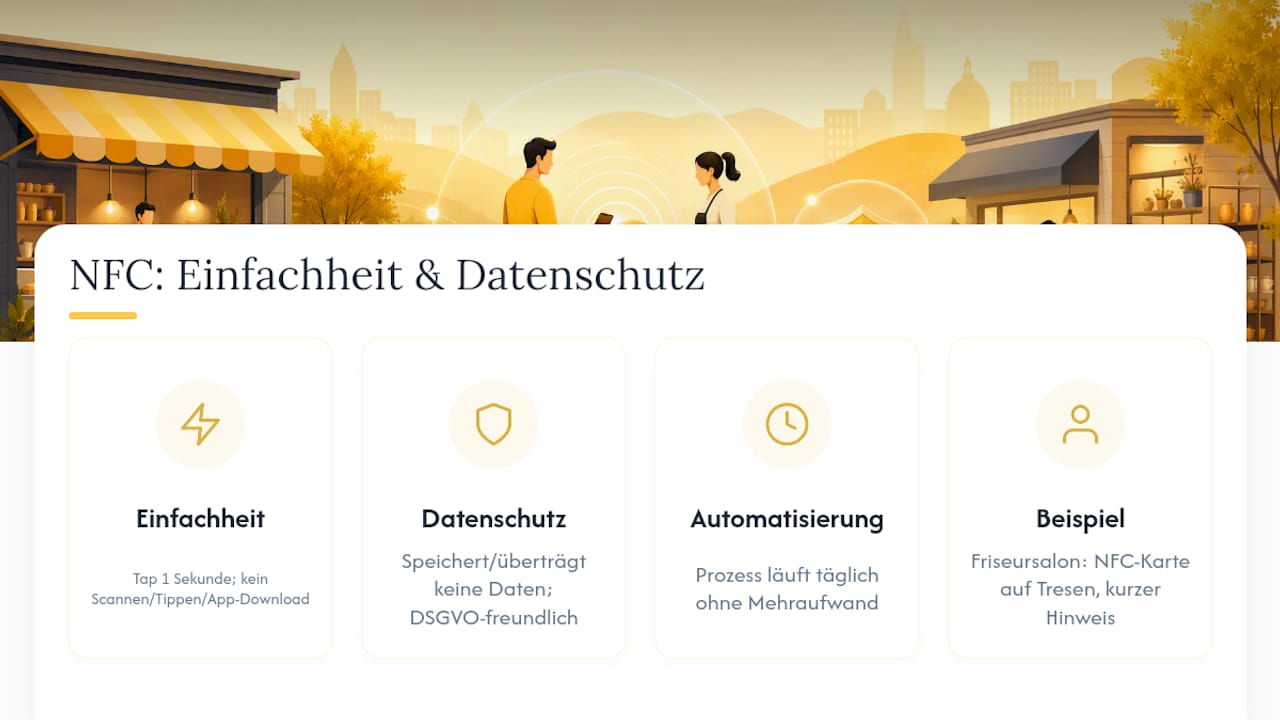
A hair salon that places the NFC card on the counter at payment and briefly says, “If you’d like to, we’d really appreciate a review,” has a process that runs every day with no extra effort and no data protection risk. That is the difference between a measure you set up once and one you have to manage constantly.
Simplify Reviews: ready to use, individually programmed
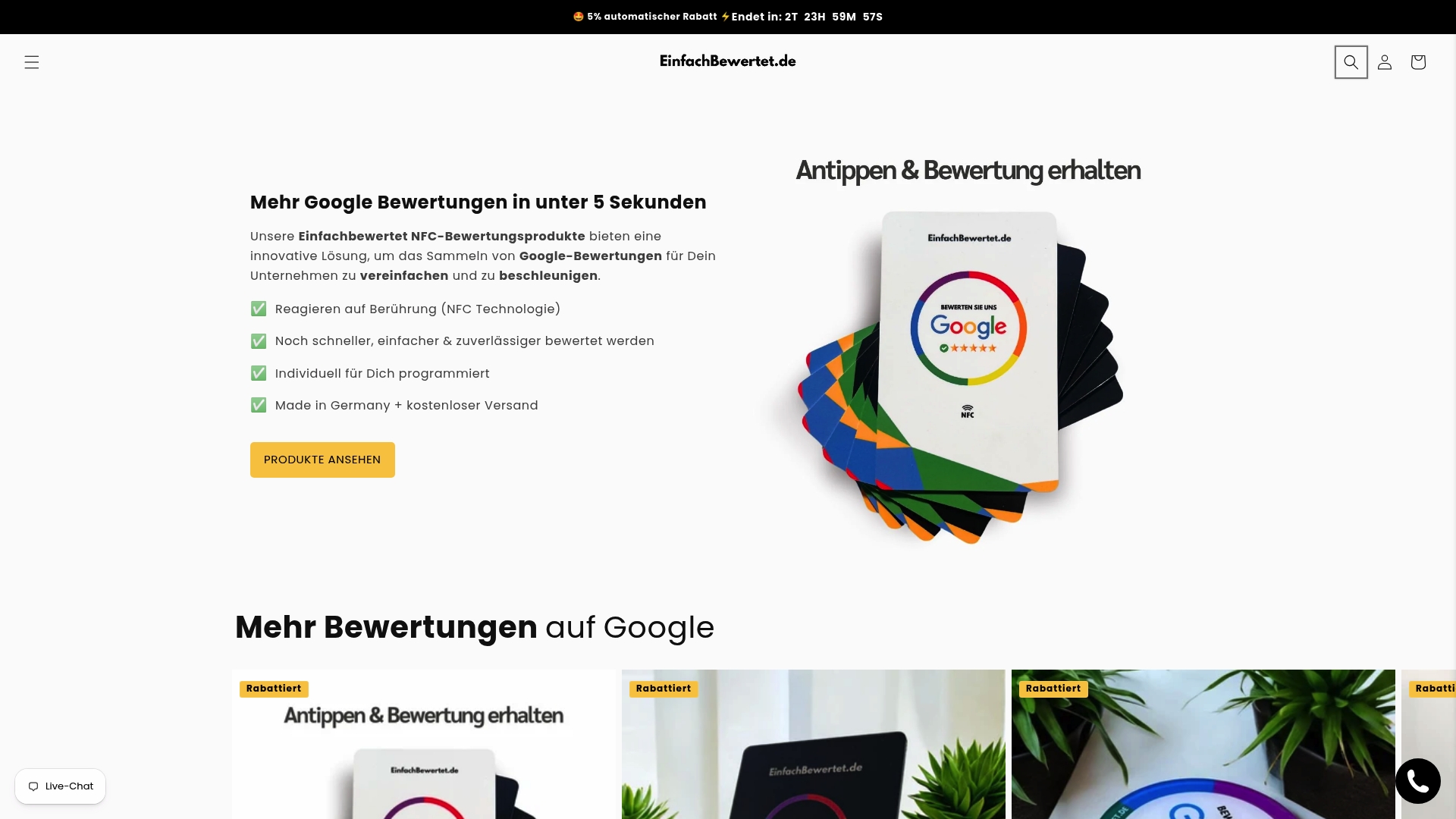
Simplify Reviews supplies NFC review products that are pre-programmed to your Google profile when you order. No technical setup, no subscription. You order, receive the product with your logo and colours, place it at the POS and start collecting reviews immediately.
The product range covers every use case: the NFC review card for the counter, the display stand for the waiting area, the review lid for restaurant and café tables, and the phone sticker for use on the go. All products come with free shipping and a money-back guarantee. The 5-Star Booster Calculator shows you in seconds how many top reviews you need for your goal. Take a look at the products and order directly from Simplify Reviews.
Sources
- Google Business Profile Help — Review guidelines
- Ditella
- 40 tips and 15 templates for more Google reviews
FAQ
Can you leave a Google review without an account?
No. Google requires you to be signed in to a Google account to write a review. However, the NFC flow lowers the barrier because the form opens directly in the browser and no app download is needed.
How many reviews do NFC cards generate compared with having no system?
Can I motivate customers to leave reviews with discounts?
No. Google explicitly prohibits material incentives. Violations can result in reviews being removed or sanctions against the Business Profile.
What should I do if reviews do not appear on Google?
First wait 24–72 hours, then check whether the link points to the correct profile. Reviews that trigger Google’s filters are removed automatically. More details are available in the guide to missing reviews.
Which NFC product from Simplify Reviews is right for my business?
The NFC review card is ideal for counters and handovers, the display stand with QR fallback is suited to waiting areas, and the phone sticker works well for mobile staff. All versions are pre-programmed to your Google profile when you order.
Recommended
- The importance of Google reviews for local businesses - – Simplify Reviews
- Collecting Google reviews: Simplify Reviews against buying reviews – Simplify Reviews
- Guide: Increase Google reviews for restaurants - Simplify Reviews
- Google reviews: Why they are more important than ever for your business – Simplify Reviews