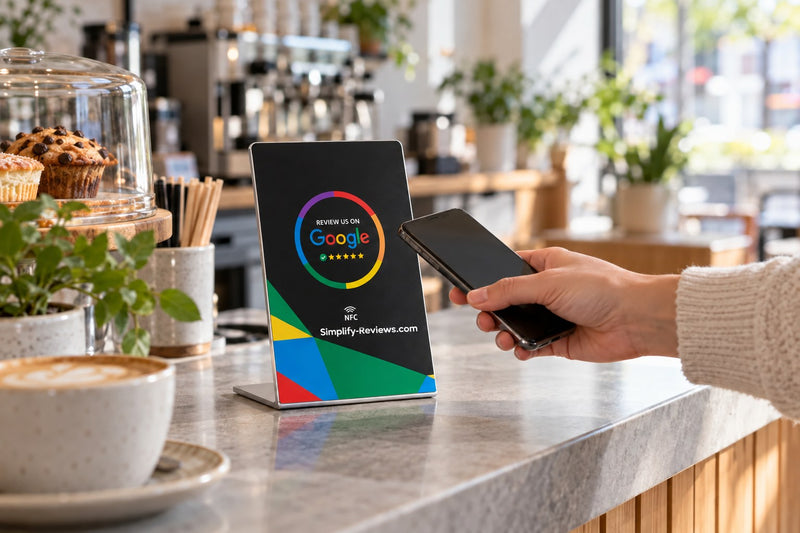
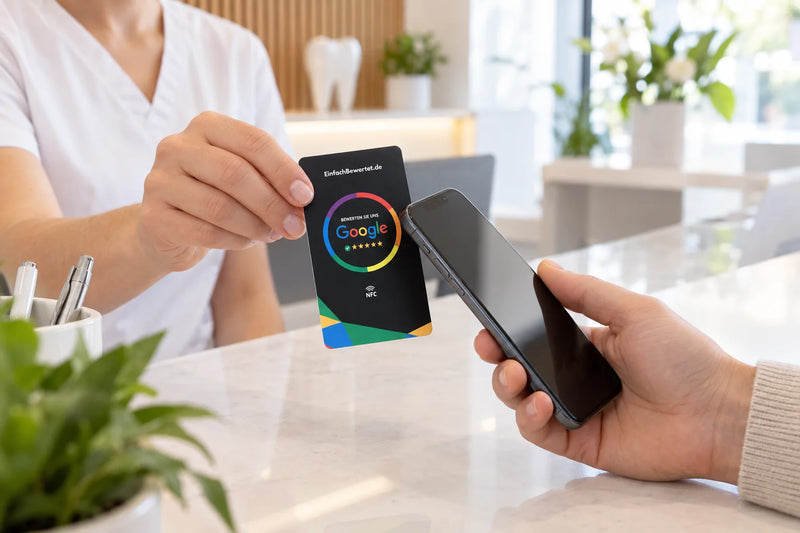
Low-risk testing: NFC stickers on the front door for local businesses
A low-risk quick start for local businesses: run a pilot with 30–50 NFC stickers, device testing and secure redirects. Available preconfigured from...

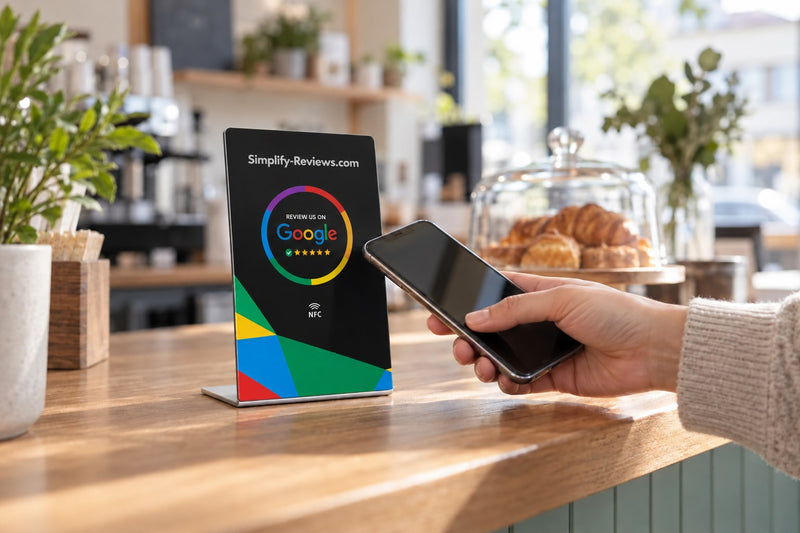
An NFC sticker on your front door takes customers directly to your business’s review or social media page with a single tap, reducing the barrier to leaving a Google review almost to zero. Instead of searching, typing and scrolling, all it takes is a touch with a smartphone and the form opens. Pre-programmed stickers are already available. The next step: check your Google Business Profile, choose a chip, test it, then go live.
In short:
- NFC stickers at the entrance significantly reduce the barrier to leaving a review because a simple tap is enough.
- Verifying your Google Business Profile and setting up the redirect layer are crucial for ensuring your link destinations remain correct and editable over the long term.
- The ideal place for the sticker is at eye level, protected from the weather and on a non-metal surface so NFC signals can be transmitted optimally.
- A pilot run with 30 to 50 tags is recommended to check functionality, target pages and sources of error before a larger rollout.
- Ready-made NFC solutions from providers such as Simplify Reviews save time, prevent programming errors and make serial installation simple.
Contents
- Why NFC stickers at the entrance work
- How to set up an NFC sticker for your front door
- Checklist before the full rollout
- Placement, design and customer prompts at the front door
- Pilot, measuring success and useful KPIs
- Why Simplify Reviews makes sense as a solution
- What Simplify Reviews offers for your front door
- FAQ
Why NFC stickers at the entrance work
The reason is simple: every extra click costs you reviews. A customer who has to open Google after their meal or haircut, type in your name and find the right listing will often abandon the process after the second step. An NFC tag skips all of that. One tap with their smartphone at the door, and the review form is already open in front of them.
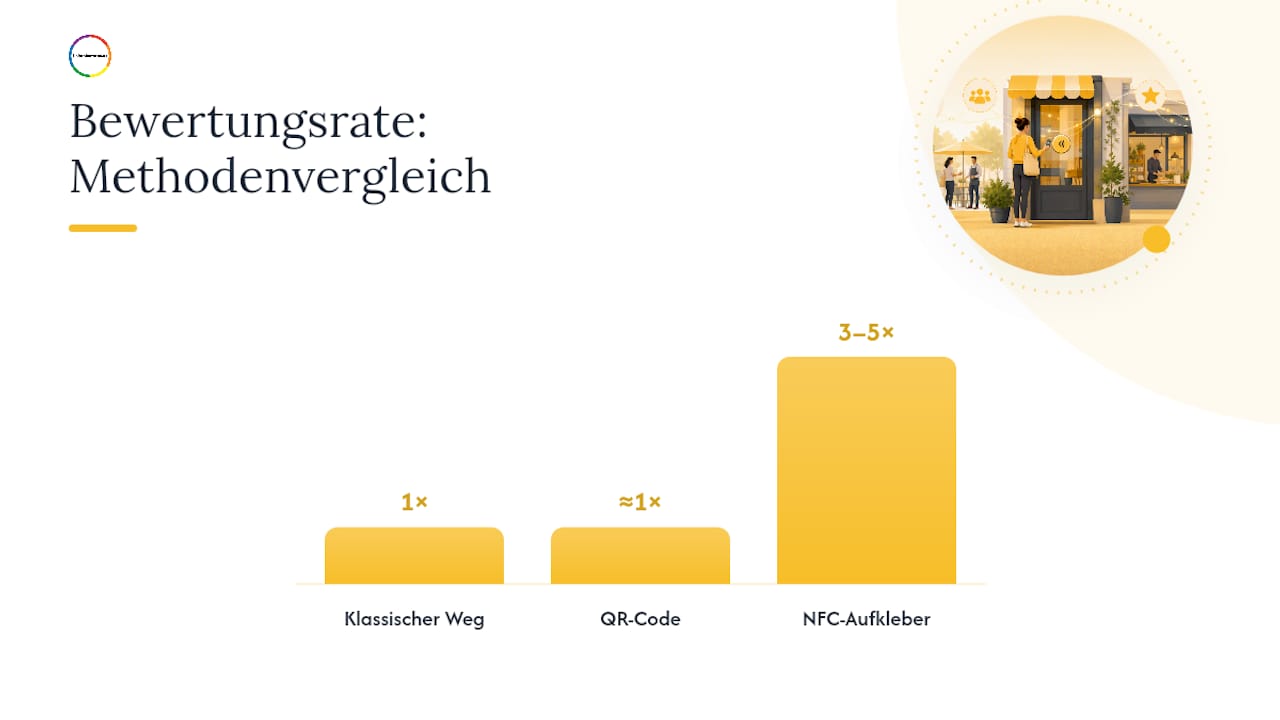
This reduction in friction makes a real difference in everyday business: a tap at the door is much more convenient for customers than traditional methods such as receipt links or business cards with a URL.
QR codes can do something similar, but NFC has a practical advantage: no need to open the camera, focus, or struggle in poor light. Even so, every sticker should include a QR code as a fallback, because not every device reads NFC reliably.
What makes the practical difference between the two systems:
- NFC: One tap is enough, works through thin cases and looks more modern at the entrance.
- QR code: Needs a camera and light, but is compatible with practically every smartphone without any prior knowledge.
- Combination of both: Covers practically all smartphones and looks more professional than a single symbol.
How to set up an NFC sticker for your front door
Before you program the first chip, clarify two things: is your Google Business Profile verified, and do you have the direct review link with the correct Place ID? Without a verified profile, customers could end up on the wrong business page, which is very difficult to correct later.
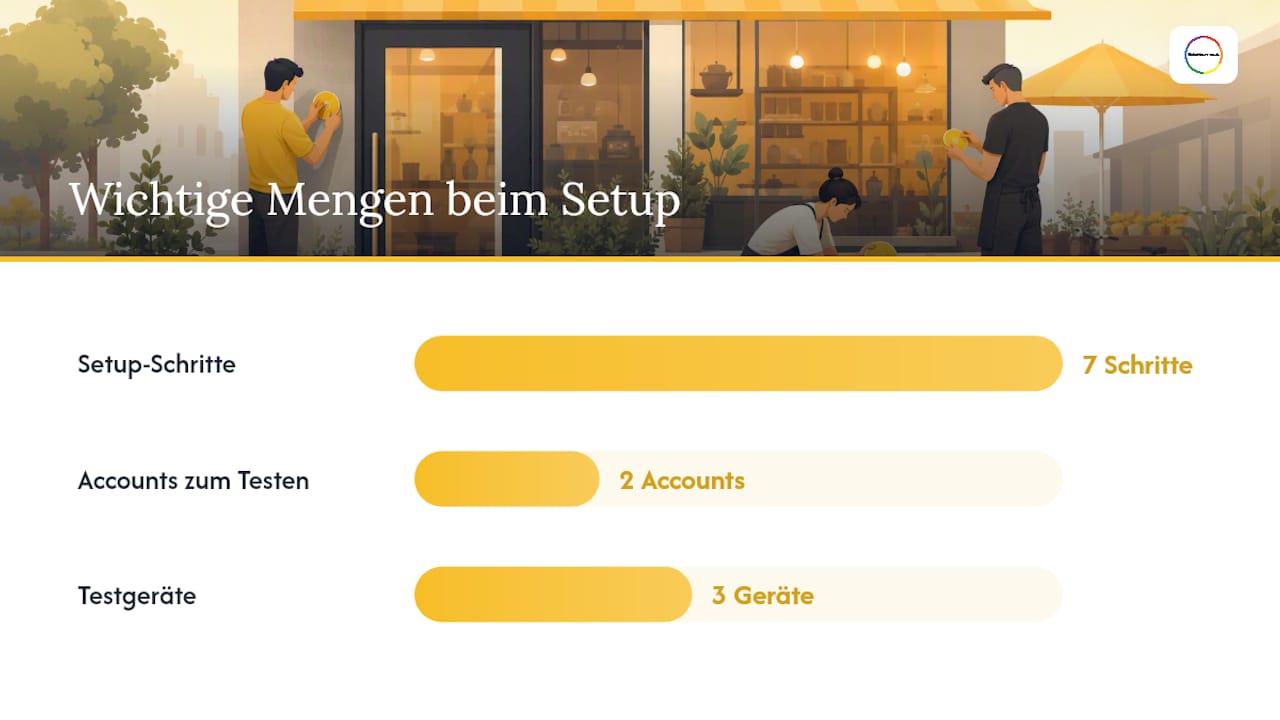
The actual setup process follows seven clear steps and often takes less than 30 minutes per location:
- Verify your Google Business Profile and confirm the Place ID via the direct review link.
- Choose a suitable chip. The NTAG21x series is well suited to door stickers because it provides stable read ranges.
- Encode the URL as an NDEF URI. Short links keep write time low and work more reliably.
- Program it with an app such as NFC Tools, either yourself or through a preconfigured NFC solution.
- Test on at least two logged-in Google accounts before rolling it out in volume.
- Set up a redirect layer so the destination can be changed later without rewriting the chip.
- Only lock the chip after it has passed testing.
That last step in particular causes most problems when it happens too early. A locked NTAG chip can no longer be changed. If you lock it too soon, an incorrect URL is permanently written to it and the sticker ends up in the bin. A redirect layer solves this risk: the physical URL on the chip points to a short link you control, which you can redirect at any time, even long after the chip has been locked.
Pro tip: Test with an iPhone from model XS (iOS 14 or newer), as well as both a current and an older Android device. Some Android models only detect NFC when the screen is active, and your test protocol should cover that.
Checklist before the full rollout
A full rollout across 50 doors and counters is the wrong time to discover mistakes. That’s why a pilot run with 30 to 50 tags is recommended before you print or order larger quantities.
Before starting the pilot, go through these points once from start to finish:
- Does the URL really lead to the correct Google review page, and not to a competitor listing with a similar name?
- Does the page run via HTTPS without a browser warning?
- Is the redirect layer active, and can the destination be changed afterwards?
- Is the chip still unlocked while tests are running?
- Is there a visible QR code as a fallback next to the NFC symbol?
- Does your staff know the short prompt they should give customers when saying goodbye?
If, on one test device, the tap goes nowhere or opens the wrong page, reprogram the affected chip and document the error instead of simply replacing it and forgetting about it. That documentation is exactly what prevents the same mistake from happening again on your next order.
Placement, design and customer prompts at the front door
A technically flawless tag is no use if nobody notices or taps it. The position affects the tap rate almost as much as the technology itself.
Place the sticker at eye level, not low down on the door frame where no one will see it. Direct sunlight and rain can damage the chip, while a laminated or weather-protected sticker lasts much longer. Important: metal weakens NFC signals, so the surface should not be bare metal, or you will need a special ferrite spacer.
When it comes to design, clarity matters more than creativity:
- A clear tap symbol that customers immediately recognise as “tap here”.
- A short call to action such as “Review us in 10 seconds”.
- Your logo and colours, so the sticker feels like part of the business rather than an unfamiliar gadget.
- The QR code as a small but visible addition.
Pro tip: Ask your staff to mention the review exactly at the moment of saying goodbye, right after payment. Customer satisfaction is highest at that moment, and the reminder of the sticker on the door closes the loop.
Pilot, measuring success and useful KPIs
Three KPIs are enough for a meaningful pilot: the number of new reviews per week, the average star rating and how consistently your team points out the sticker. You can see the first two directly in your Google Business Profile.
| KPI | What it shows | When you should scale |
|---|---|---|
| Average star rating | How satisfied reviewers are overall | When it remains stable or increases over several weeks |
| Prompt rate | How often the team actively points out the sticker | When the prompt has become a fixed routine |
| Reviews per week | The actual increase in new reviews | As soon as the target is reached for at least two weeks |
You can see the number and average of reviews directly in your Google Business Profile, and the profile statistics also show how customers find your profile. If you also feed the collected reviews into a CRM, you can use the data for customer retention processes instead of viewing it in isolation. If the figures remain stable over several weeks and the technology runs smoothly, the time has come for the full rollout.
Why Simplify Reviews makes sense as a solution
NFC stickers are not a gadget; they lower the barrier to feedback at exactly the moment when a customer’s satisfaction is at its highest. That insight is the real core of the whole technology, not the chip itself.
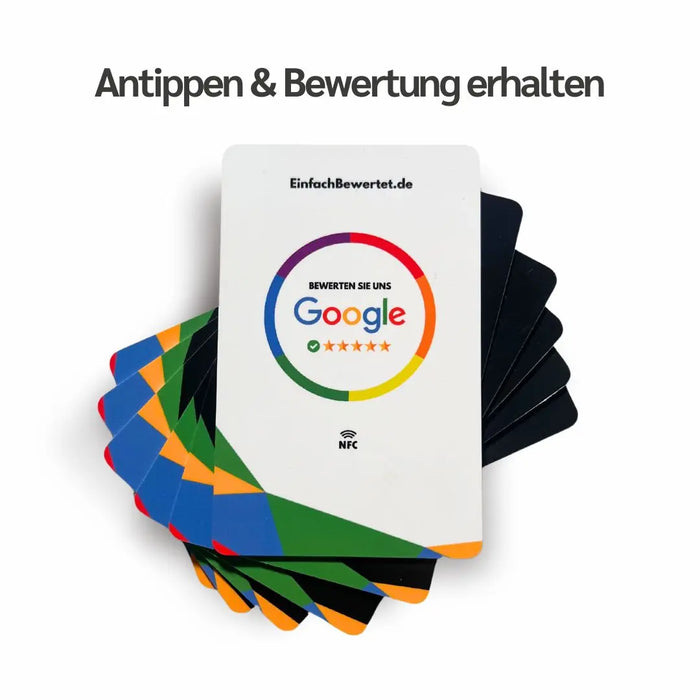
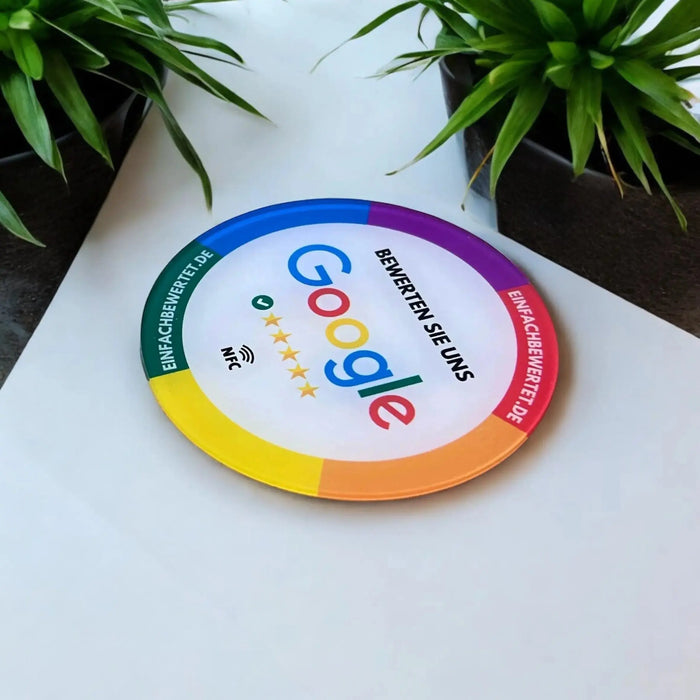
Stickers, covers and displays are available already pre-programmed with your logo and choice of colours. The difference compared with DIY: you skip the sources of error from the technical guide above, because the Place ID and NDEF entry are already set correctly before the product arrives. If your Google profile changes later, we’ll be happy to adjust the link after a quick message, and a money-back guarantee removes the risk from your first order.
If you program it yourself, you need to work through and document each of the seven setup steps individually. A preconfigured product reduces that to a single step: unpack and stick it on.
— Dario
What Simplify Reviews offers for your front door
A practical alternative to DIY is a pre-programmed solution that removes the need to buy the chip, set up the app and risk using the wrong Place ID, because the programming is completed before shipping.
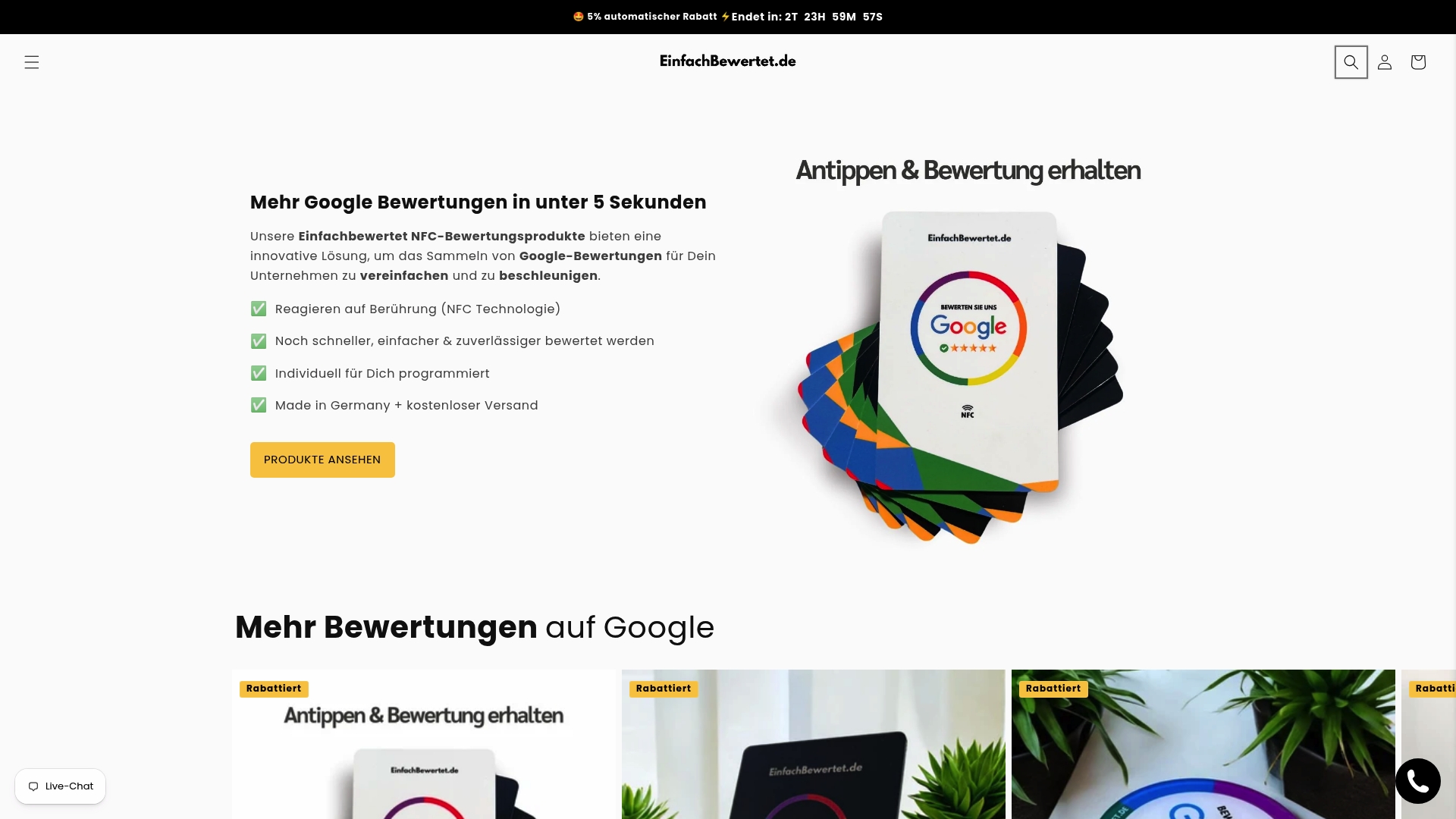
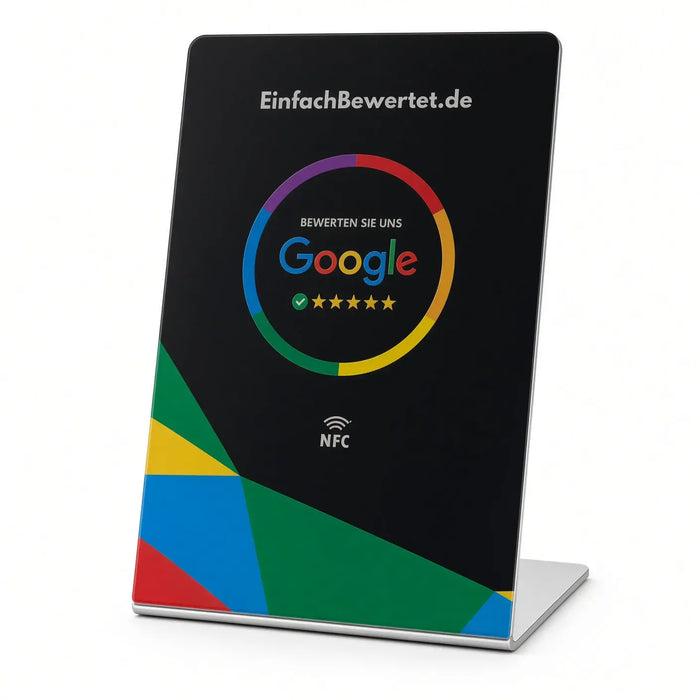
Three product formats are especially suitable for entrance areas. The Google review cover (NFC) can be attached directly at reception or the entrance and is already linked to your Place ID. If you prefer a freestanding eye-catcher, the display for Google reviews offers an option for the counter right next to the door. With both products, the link can be changed later, and we’ll be happy to help. A money-back guarantee and free shipping are included as well.
The next step is simple: order a sample for your location or, for larger branch networks, ask for a bulk configuration. Within a short time, you’ll have a ready-to-use NFC sticker on your front door without having to program a single chip yourself.
FAQ
Which NFC chip is suitable for stickers on the door?
The NTAG21x series is a common standard for stickers on doors because it offers stable read ranges and is compatible with many programming apps such as NFC Tools.
Does NFC work equally well on every smartphone?
No. iPhones from model XS with iOS 14 read NFC automatically in the background, while some Android devices need the screen to be active. A QR code as a fallback covers these cases.
When should I lock an NFC chip?
Only after the URL has been successfully tested on at least two logged-in Google accounts and different devices, because locking an NTAG chip cannot be undone.
Does an NFC sticker store personal customer data?
No. A correctly set up tag simply redirects to a public review page and does not store any personal information.
Is a preconfigured solution worth it compared with DIY?
For most local businesses, yes. Preconfigured products such as those from Simplify Reviews already handle the Place ID check, redirect layer and programming correctly, helping you avoid typical setup errors.